> For the complete documentation index, see [llms.txt](https://documentation.soulver.app/llms.txt). Markdown versions of documentation pages are available by appending `.md` to page URLs; this page is available as [Markdown](https://documentation.soulver.app/ru/documentation/totals-and-subtotals.md).

# Суммы и промежуточные итоги

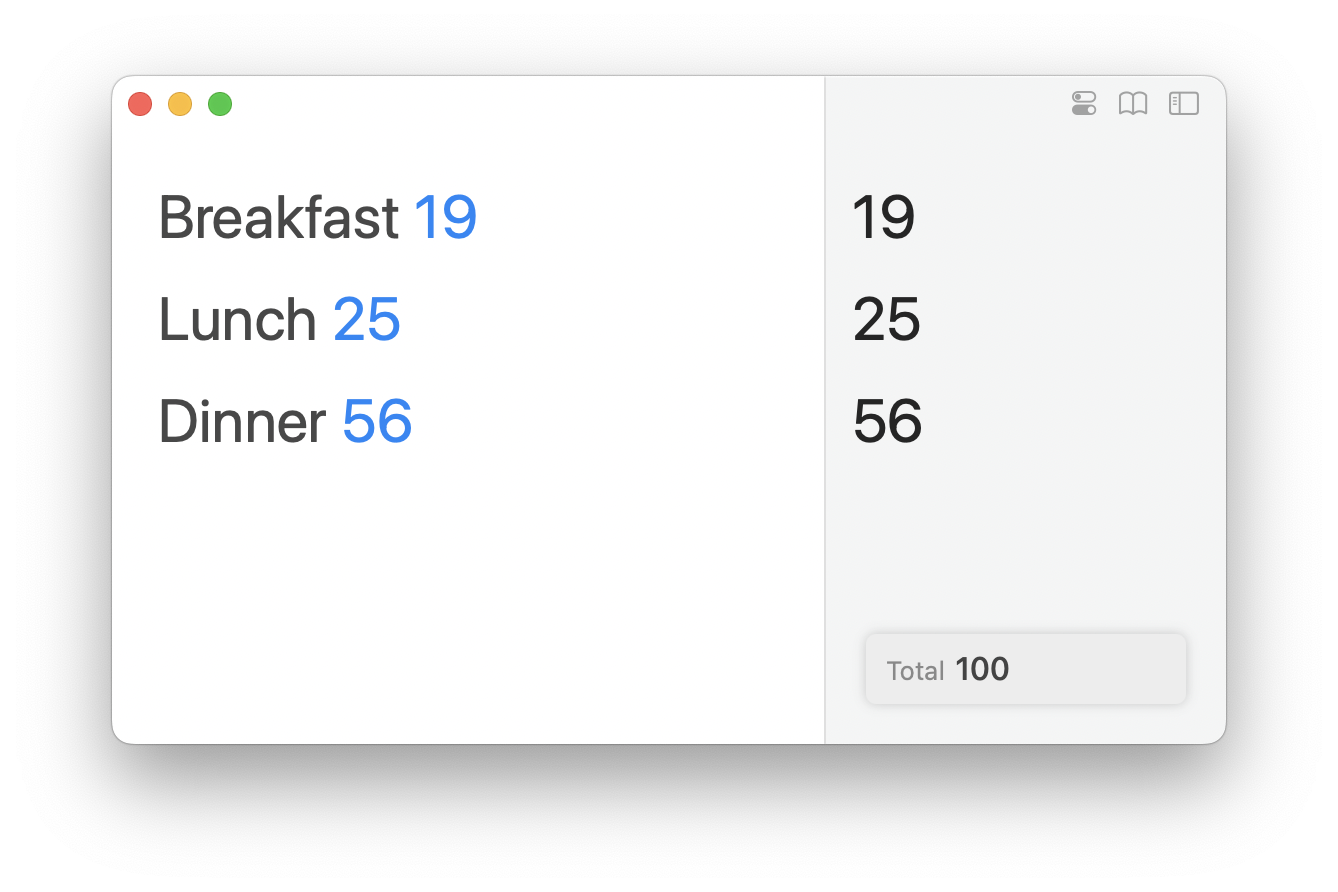
По умолчанию Soulver показывает итог по всем строкам в правом нижнем углу.

<div align="center"><img src="/files/NH8gHwDBSLvptW5xdFoN" alt="A floating quick total appears in the bottom right of your sheet (by default)" width="375"></div>

### Промежуточные итоги

#### Как сделать промежуточный итог на Mac

Добавьте пустую строку и нажмите ⌘T (или дважды щёлкните по пустому ответу).

Строка промежуточного итога суммирует все строки выше до следующего промежуточного итога или заголовка (#).

<div align="left"><figure><img src="/files/PWOYKgVyoyfCyUhPY7yq" alt="" width="375"><figcaption><p>Double click the answer on an empty line to turn it into a subtotal</p></figcaption></figure></div>

#### Как сделать промежуточный итог на iPad и iPhone

Нажмите и удерживайте пустую строку и выберите `Make Subtotal Line`:

![Промежуточные итоги в Soulver 3 для iPad](/files/S3bvcHi7Z8uCBoZa0baV)

Или коснитесь пустого пространства под последней строкой.

## Задачи для промежуточных итогов

#### Назначение переменной промежуточному итогу

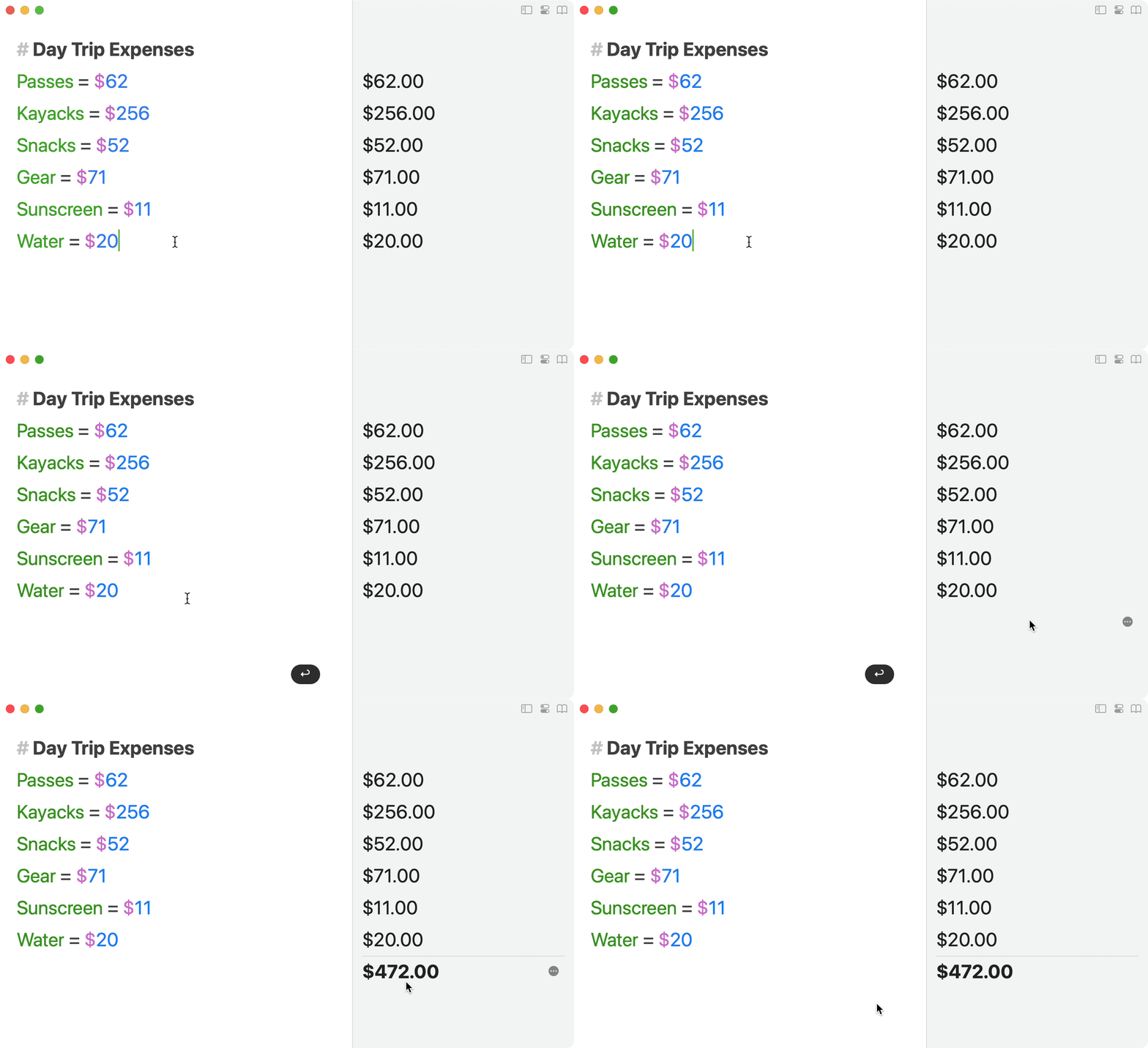
Вы можете создать переменную на строке промежуточного итога, написав "variable = " и оставив значение пустым:

<img src="/files/Vwu7IIbrmgyM69sZecgX" alt="Объявите переменную без значения на строке промежуточного итога" data-size="original">

#### Добавление процента к промежуточному итогу

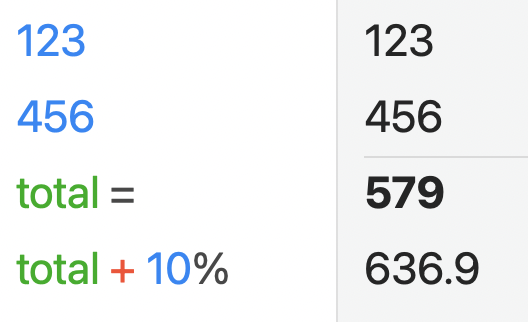
Добавьте строку процента к промежуточному итогу, чтобы она была применена к конечному результату.
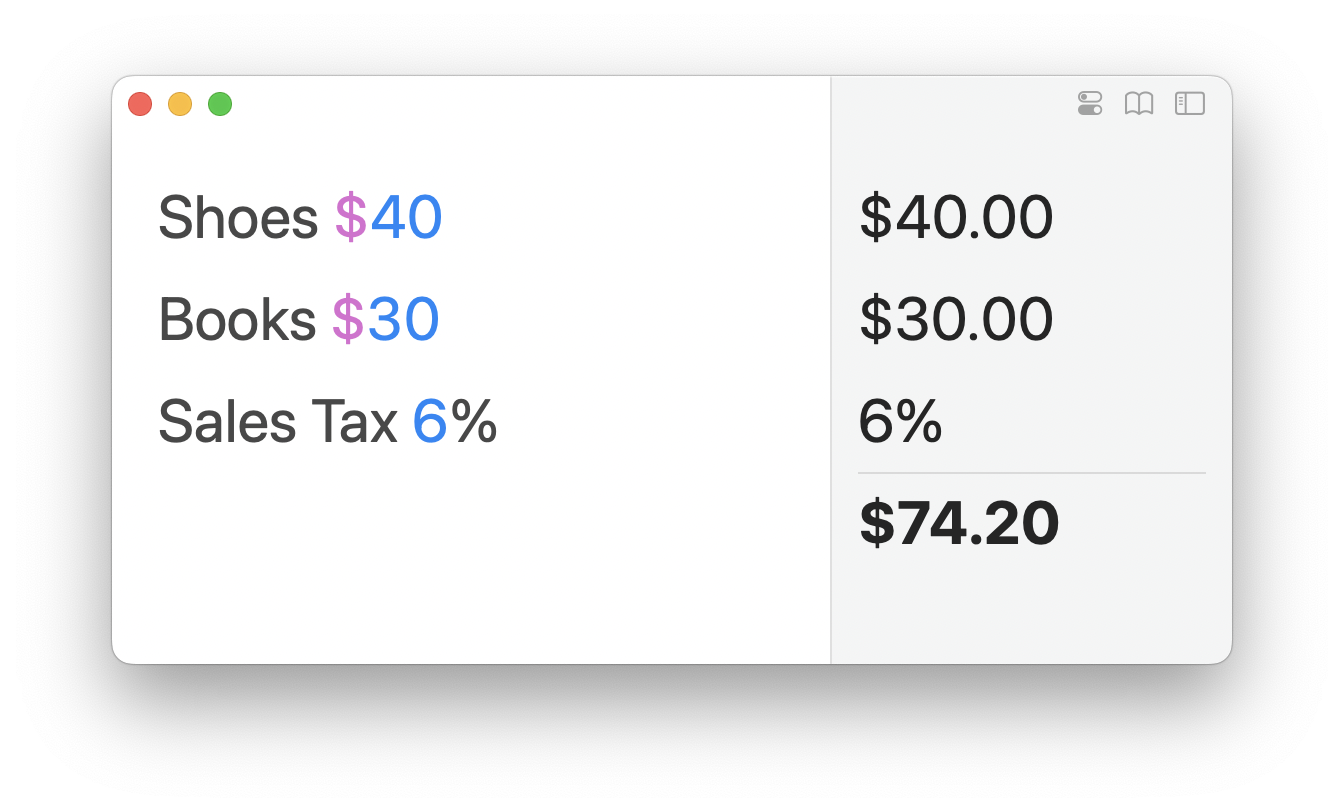
<figure><img src="/files/F0rjztXEvJP1euyIsLoO" alt="" width="375"><figcaption><p>Процент в промежуточном итоге будет применен к конечному результату</p></figcaption></figure>

## Настройка плавающего итога

#### Показ и скрытие плавающего итога

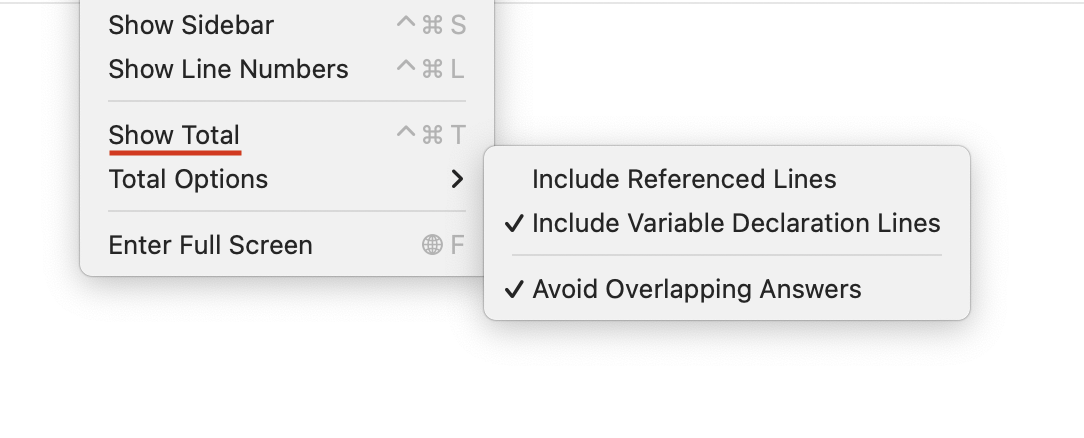
Если итог не нужен в вашем сценарии, вы можете скрыть его, наведя курсор и нажав `Hide`.

Чтобы снова показать итог, откройте меню `View` и выберите `Show Total`.

<figure><img src="/files/z5QbBZYR8CwDNpRr5lNn" alt=""><figcaption><p>Additional floating total options are available from the View menu</p></figcaption></figure>

#### Изменение типа статистики

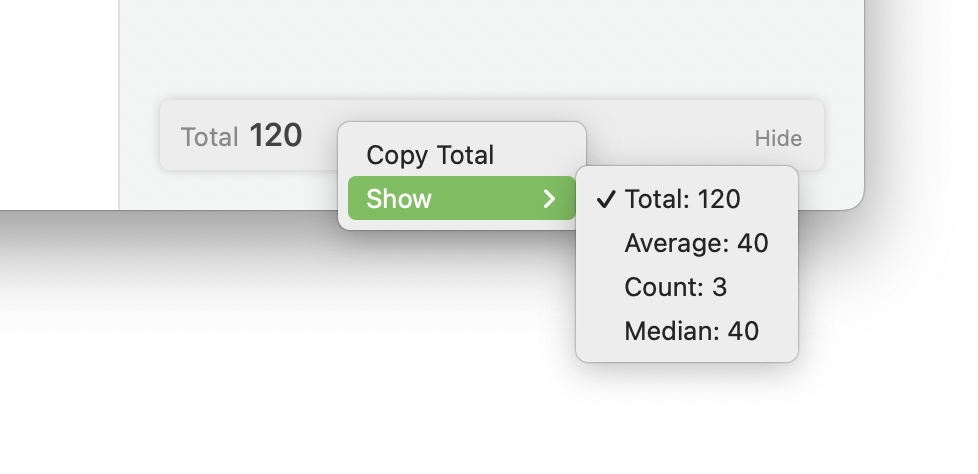
Можно также показать среднее, количество и медиану строк, щёлкнув по плавающему итогу с зажатой клавишей Control и выбрав альтернативную статистику.

<figure><img src="/files/nC8MREYUfjfQpj5fRzVf" alt=""><figcaption><p>Выбор альтернативной статистики для плавающего итога через контекстное меню</p></figcaption></figure>


---

# Agent Instructions
This documentation is published with GitBook. GitBook is the documentation platform designed so that both humans and AI agents can read, navigate, and reason over technical content effectively. Learn more at gitbook.com.

## Querying This Documentation
If you need additional information that is not directly available in this page, you can query the documentation dynamically by asking a question.

Perform an HTTP GET request on the current page URL with the `ask` query parameter, and the optional `goal` query parameter:

```
GET https://documentation.soulver.app/ru/documentation/totals-and-subtotals.md?ask=<question>&goal=<endgoal>
```

`ask` is the immediate question: it should be specific, self-contained, and written in natural language.
`goal` is optional and describes the broader end goal you are ultimately trying to accomplish on behalf of the user. GitBook uses it to tailor the answer towards what is most useful for that goal.

The response will contain a direct answer to the question and relevant excerpts and sources from the documentation.

Use this mechanism when the answer is not explicitly present in the current page, you need clarification or additional context, or you want to retrieve related documentation sections.