> For the complete documentation index, see [llms.txt](https://documentation.soulver.app/llms.txt). Markdown versions of documentation pages are available by appending `.md` to page URLs; this page is available as [Markdown](https://documentation.soulver.app/ja/documentation/formatting/appearance-and-styles.md).
# テキストのスタイル設定
### 構文の強調表示
構文の強調表示は、Soulver が式をどのように解釈するかを確認するのに役立ちます。数値、変数、演算子は異なる色で表示され、Soulver が理解できるフレーズには下線が付けられます。
### 行の強調表示
行の本文、ラベル、またはコメントを個別に強調表示できます。ハイライトすると、その行の部分の構文の色が置き換えられます。
**Macの場合:** 強調表示したい本文、ラベル、またはコメントにカーソルを置き、**Format > Highlight** から色を選択します。 Control キーを押しながら行のその部分をクリックし、コンテキスト メニューからハイライトの色を選択することもできます。
**iPad・iPhoneの場合:** 本文、ラベル、コメントのテキストを選択し、編集メニューから **Highlight** を選択して色を選択します。
### ハイライトカラーのカスタマイズ
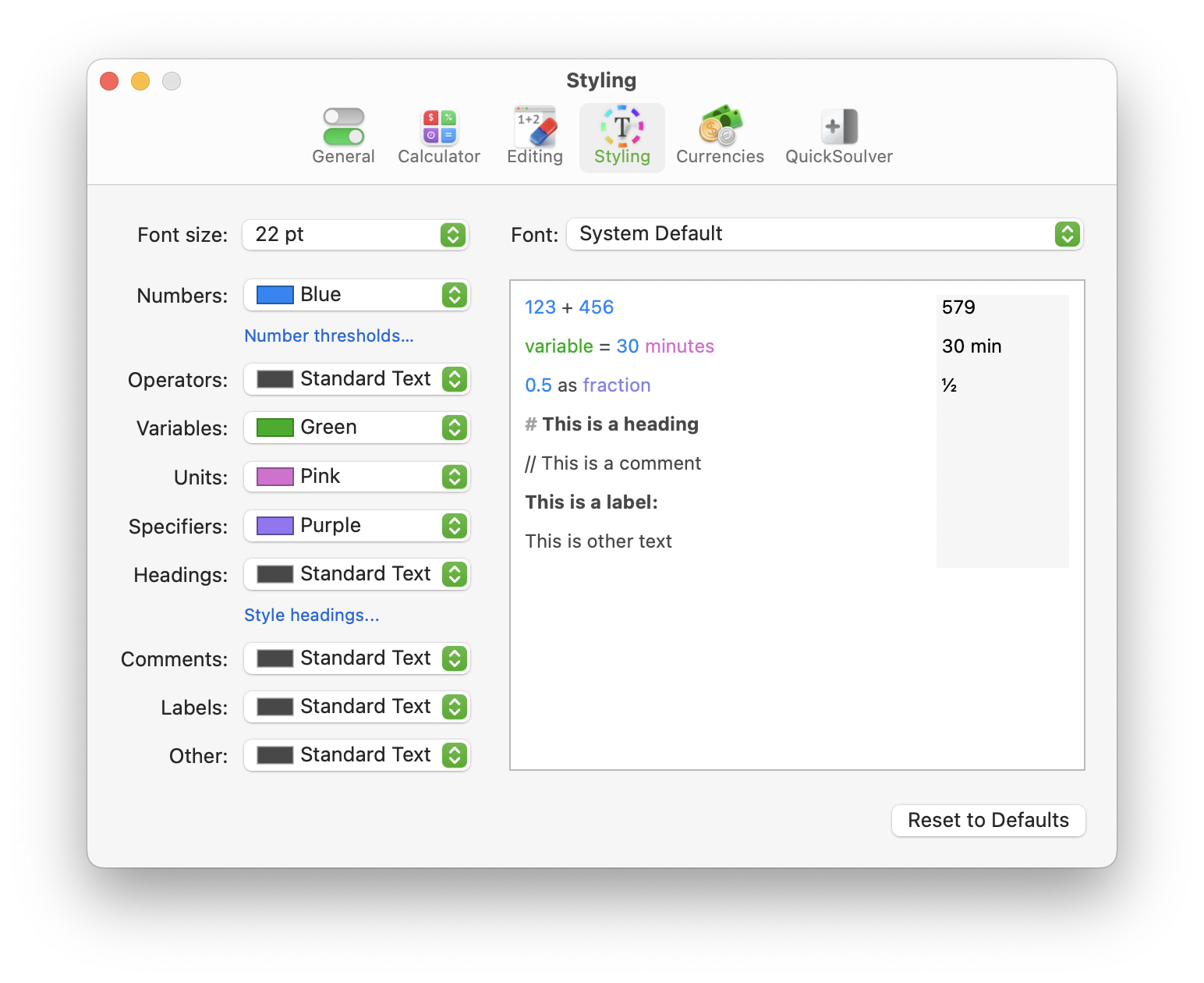
**スタイリング**設定ペインで、Soulverが式内の様々な部分を示すために使用する色をカスタマイズします。
.png?alt=media)
.png?alt=media)