> For the complete documentation index, see [llms.txt](https://documentation.soulver.app/llms.txt). Markdown versions of documentation pages are available by appending `.md` to page URLs; this page is available as [Markdown](https://documentation.soulver.app/it/documentation/formatting/appearance-and-styles.md).
# Stilizzazione Testo
### Evidenziazione della sintassi
L'evidenziazione della sintassi ti aiuta a vedere come Soulver interpreta la tua espressione. Numeri, variabili e operatori vengono visualizzati in colori diversi e le frasi che Soulver comprende sono sottolineate.
### Evidenziazione della linea
Puoi evidenziare separatamente il corpo di una riga, la sua etichetta o il suo commento. L'evidenziazione sostituisce la colorazione della sintassi per quella parte della riga.
**Su Mac:** Posiziona il cursore nel corpo, nell'etichetta o nel commento che desideri evidenziare, quindi scegli un colore da **Format > Highlight**. Puoi anche fare clic tenendo premuto il tasto Ctrl su quella parte della linea e scegliere un colore di evidenziazione dal menu contestuale.
**Su iPad e iPhone:** Seleziona il testo nel corpo, nell'etichetta o nel commento, quindi scegli **Highlight** dal menu di modifica e seleziona un colore.
### Personalizzare i colori dell'evidenziazione
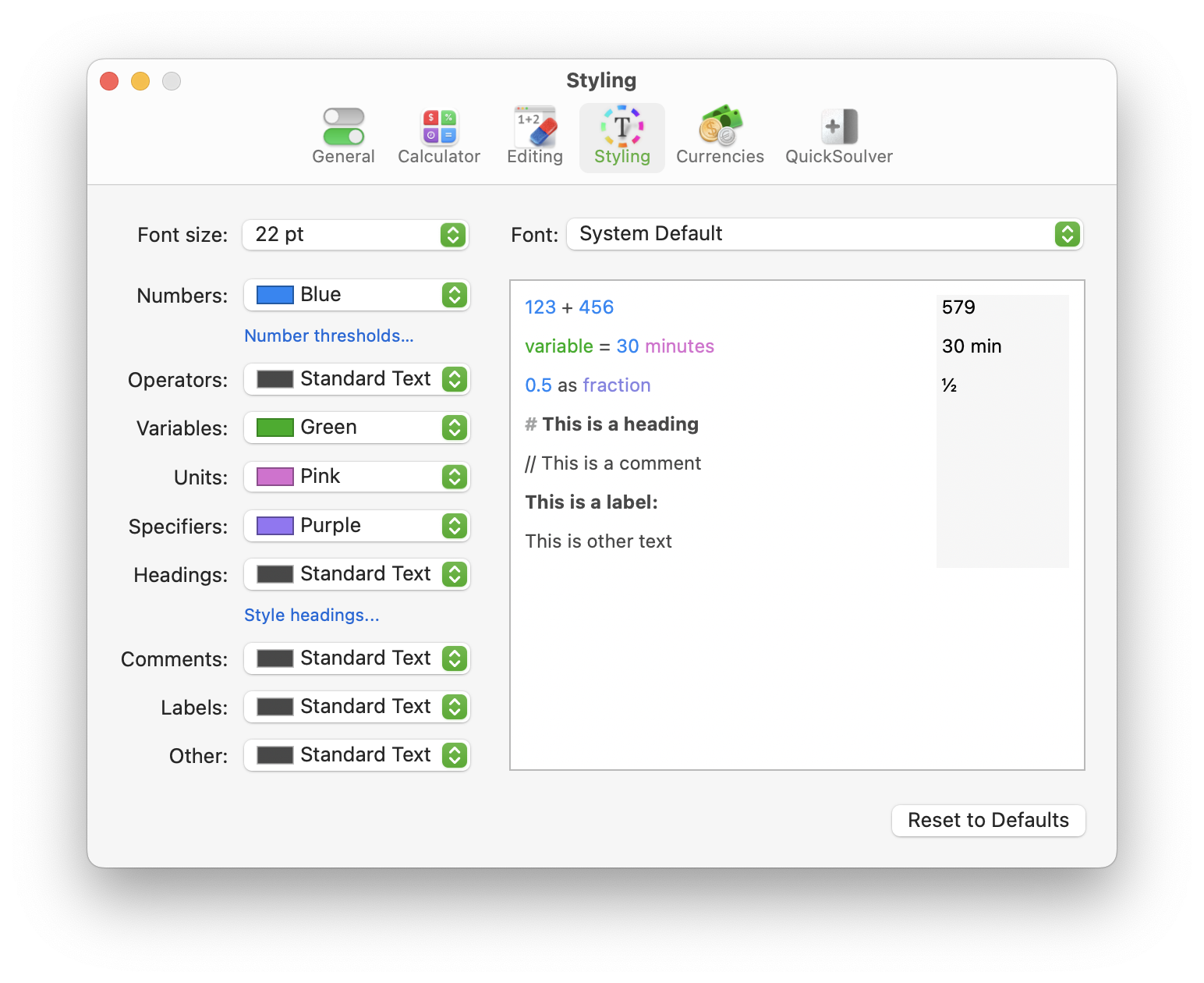
Personalizza i colori che Soulver usa per indicare le varie parti dell'espressione nel pannello impostazioni **Stile**:
Impostazioni di stile di Soulver nella versione Mac
### Cifre a larghezza fissa
Dal menu a comparsa **Font**, seleziona **Predefinito di sistema (cifre monospaziate)**
.png?alt=media)
.png?alt=media)